Fill weight75.00-78.75 g · every 60 min15:00On timeDue shortlyOverdue
Phase stabilityPass or fail · every 120 min04:00On timeDue shortlyOverdue
pH4.50-5.50 · every 120 min43:00On timeDue shortlyOverdue
Viscosity12,000-20,000 cP · every 240 min1:27:00On timeDue shortlyOverdue
Every check keeps its own clock.
Fill weight, pH, viscosity, phase stability: each test counts down against the product’s own spec. Green is on time, amber is due shortly, red is overdue, on the tablet at the line and on the desk.
Record fill weight
75.00-78.75 g · 10 samples
75.62
76.04
75.88
76.31
75.47
76.12
75.93
73.41
76.20
75.71
1 of 10 out of spec
Judged against the spec the moment it lands.
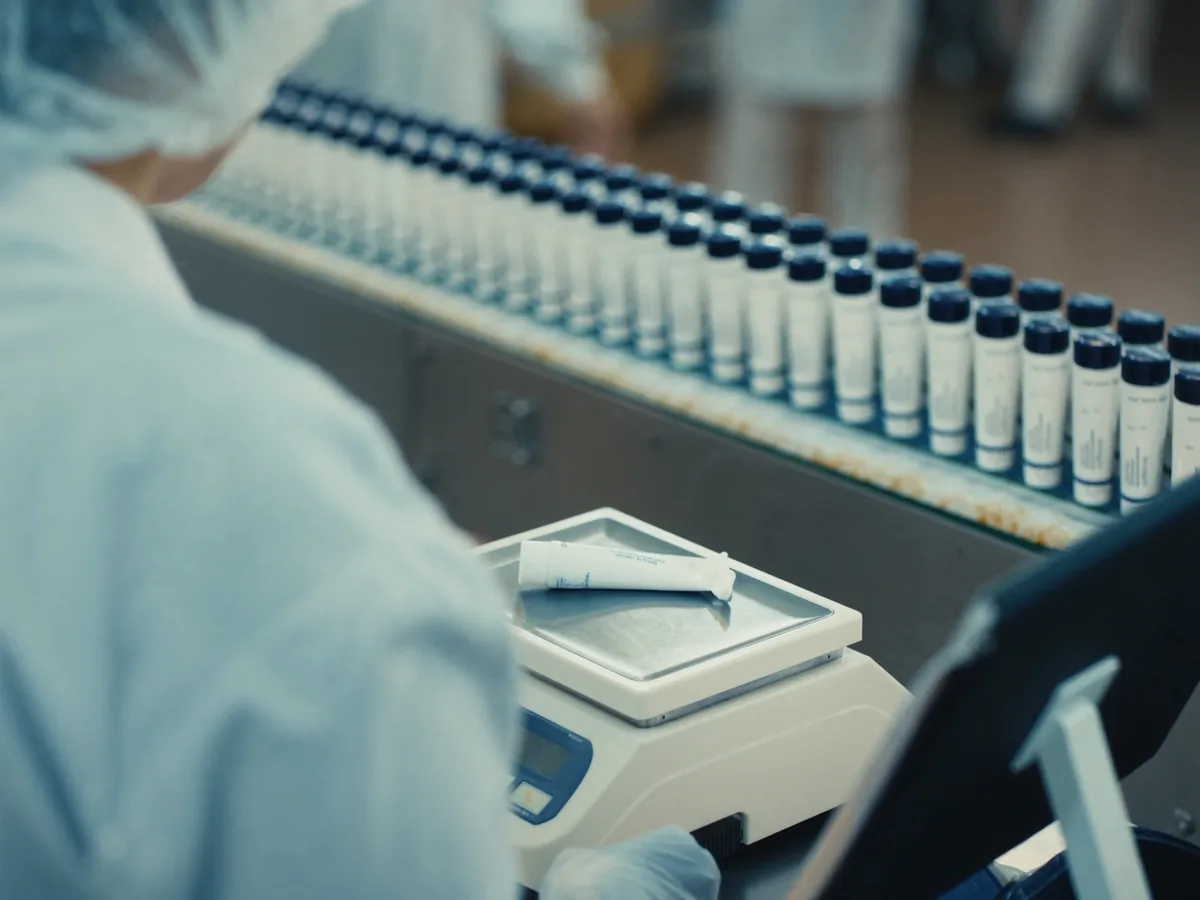
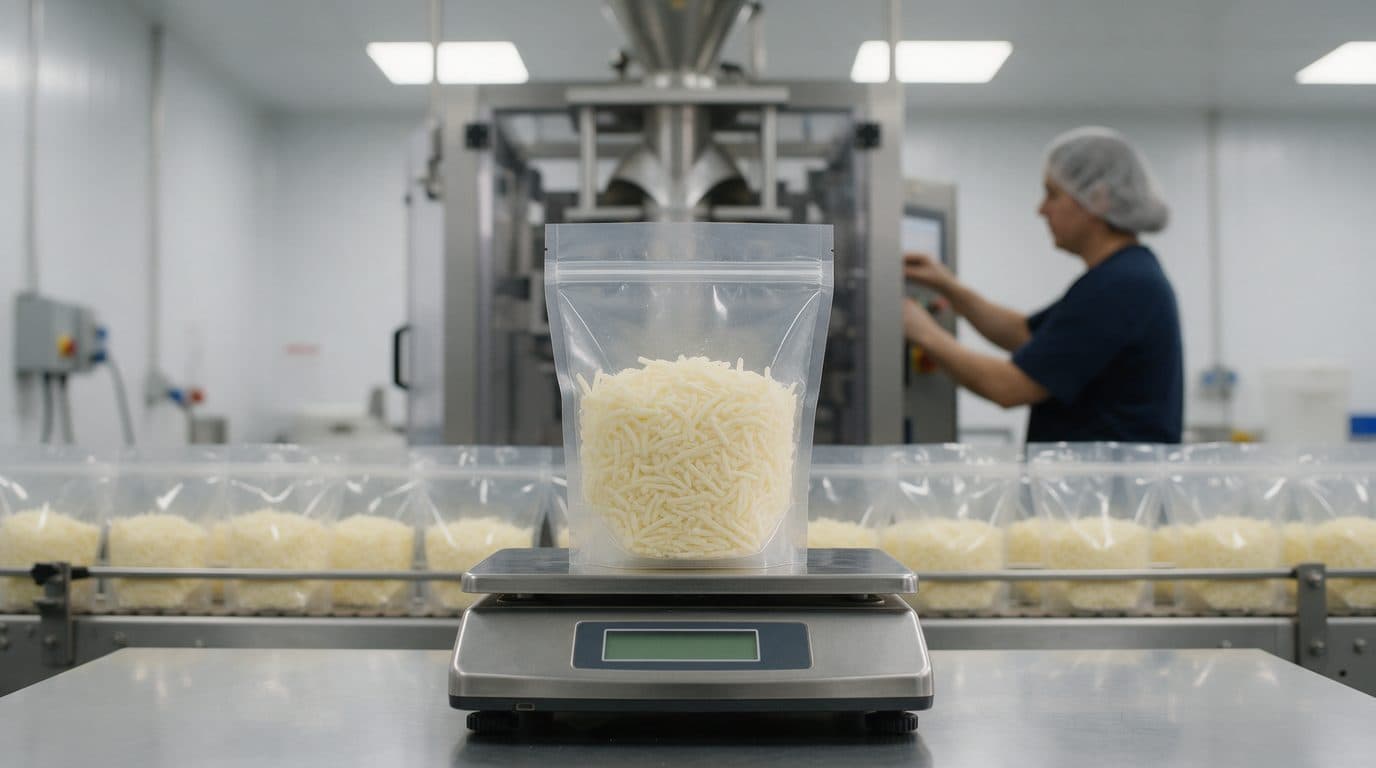
Ten tubes on the balance. Nine in spec and one at 73.41 g, under the 75.00 g minimum. The check cannot close until the defect is described.
Non-conformity opened
NCR-1042
Fill weight · Underfill
73.41 g · 75.00-78.75 g
Supervisor notified · Out-of-spec reading
On hold
NCR-1042
12 pallets
Rich Hand Cream 75 ml · PO-55604
Disposition pending
Product on hold, counted in real units.
The supervisor is alerted and puts the run’s pallets on hold from the same record. Nothing ships until the disposition is signed.
Corrective action
NCR-1042
Piston seal worn
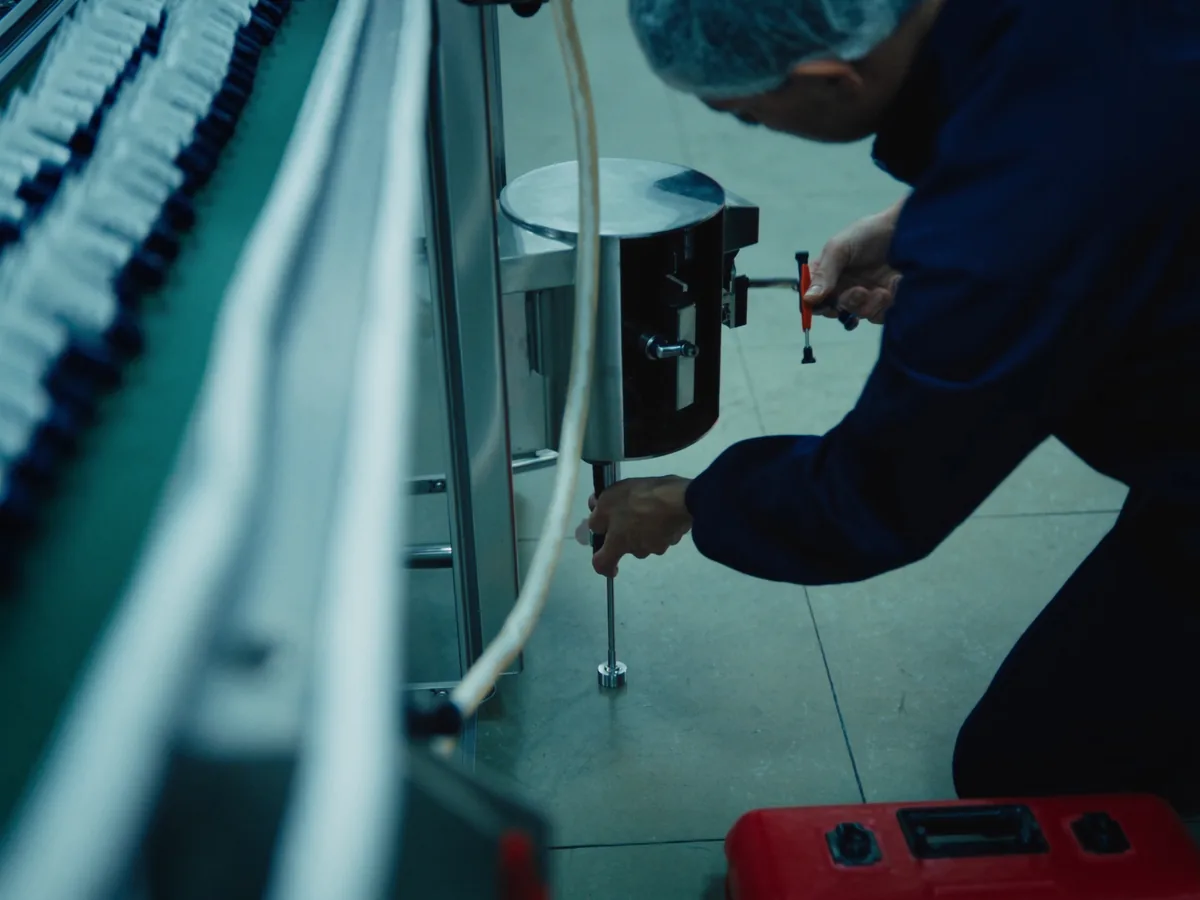
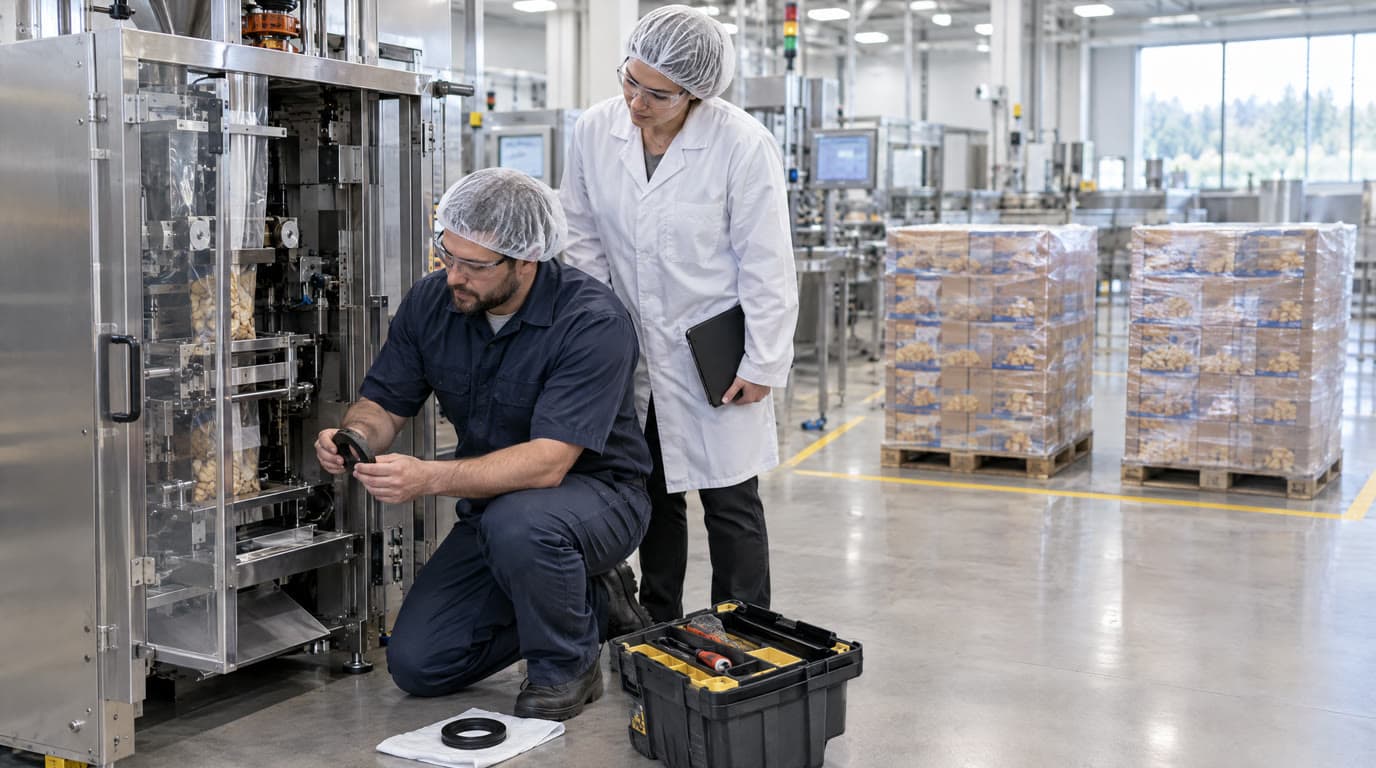
Replaced the piston seal on nozzle 3 and re-zeroed the filler.
Recorded by the mechanic · 07:17
Next reading76.12 gIn spec
The fixer’s word, on the record.
The mechanic finds a worn piston seal on the filler and records the corrective action. The next reading is back in spec.
Quality, last 30 days
Rich Hand Cream 75 ml
Checks on time
96%
Out-of-spec readings
1.8%
Open non-conformities
3
Fill weight, PL404
The whole plant, by the numbers.
Upstairs, the plant manager reads the trend instead of a stack of paper: checks on time, out-of-spec readings by machine, the weight curve against the declared weight.
The production schedule, the batch sheet, the pre-start checklist, every check against the spec and every non-conformity to closure, in one record. On a tablet at the line and a desk in the office: one system, two front doors.
Forty seconds of the real app.
Every reading judged against the spec
Operators type a measurement and it is in or out of the product’s own limits the moment it lands. Each test has its own countdown, amber before a sample is due and red when it is late, on the tablet and on the desk. When the Wi-Fi drops at the bagger, the reading is kept on the iPad and sent the moment the connection is back.
Every order, on every machine
A production order is one number across its batch orders and sessions. The schedule lays it out on a timeline by machine: batches waiting for a line, sessions running, checks recorded and non-conformities raised.
The formula, weighed out and signed
A batch order turns the product’s formula into the kilograms of every material. Two people sign before anything is tipped into a vessel, and the sheet keeps the formula it was struck from.
From defect to closure, in one register
Non-conformities, holds counted in real units, AQL dispositions, corrective actions and CAPAs live together, and the audit trail reads back as the record itself.
The line cleared before it starts
Pre-start and changeover checklists gate the run. A manager authorises from a queue, a failed critical item never starts a line, and an ordinary one can start the countdowns while the sign-off is pending.
The plant, by the numbers
Pareto by check and by machine, the defect types behind each slice, every order’s weight curve against its declared weight, run reports and CSV export.
Built for the line you run.
totalMOS ships with four demo plants, each with its own checks, specs, formulas and checklists. Your own replace them on day one.
The same totalMOS, built from the same code, in two editions. Choose where it runs, connect it to the ERP you already have, and add what only your plant does.
The iPad at the line and the browser in the office sit inside the plant network and reach totalMOS Cloud over HTTPS.
Plant network
iPadAt the line
BrowserIn the office
HTTPS
totalMOS CloudHosted and updated by us
totalMOS Cloud
We host it, run it and keep it up to date. Your plant is ready the day it is set up.
Nothing to install: the web app in a browser, the iPad app from the App Store
Sign-in with an email address and a six-digit code
Updates, backups and monitoring handled by us
The iPad, the browser, the totalMOS server with your module and your ERP all sit inside the plant network, and totalMOS syncs with the ERP.
Plant network
iPadAt the line
BrowserIn the office
Local network
totalMOS serverIn your server room
Your module
Sync
Your ERPProducts, formulas, orders
On site
A signed container image that runs on a server inside your plant, on your own network.
Records, photos and backups never leave the building
A login and a password for people without a work email
Your ERP and your own modules, beside the product
Your IT team decides when to upgrade
Connected to your ERP
On site, totalMOS reads products, formulas, machines and production orders from your ERP, so a batcher picks the job instead of typing it and the batch sheet is struck from the ERP’s own formula. Out of the box the connection only reads. When you want results to go back, such as completed orders or the material consumed, we build the write-back for your project.
Infor SyteLine
SAP S/4HANA
SAP Business One
Microsoft Dynamics 365
Oracle NetSuite
Epicor Kinetic
Sage X3
Acumatica
Running an ERP that is not on the list? Tell us and we will connect it. Product names are trademarks of their owners.
Modules for what only your plant does
We build it as a module that loads beside totalMOS on your server, reads only your plant’s data, writes to the same audit trail and is switched on by your licence.
totalMOS server
A rule checked before a batch order is created or signed
A manufacturing operating system for packaged goods plants, which is what the MOS in the name stands for. It schedules production orders, weighs out batches against a formula, clears the line with a checklist, records every in-process check against the product’s specification, and takes every non-conformity through hold, disposition and corrective action, in one record. Operators and batchers use an iPad app at the line; supervisors, quality managers and admins use the web app in the office.
Does it replace the paper quality record?
Yes, and the batch sheet and the pre-start checklist with it. The schedule is built from those records: a batch order and a session carry the same production order number, so the schedule shows the batch that fed the run and the checks the run recorded.
Which plants is it built for?
Packaged goods lines that run recurring checks against a per-product specification and weigh formulations out against a batch order. The built-in demo plants cover snack food, dairy, beverage and cosmetics; the products, formulas, checks and checklists are yours to define, from bag weight and seal integrity to residual oxygen and date codes.
What happens when a reading is out of spec?
The value is judged against the product’s limits the moment it is entered. An out-of-spec reading opens a non-conformity before the check can be closed, and the non-conformity, any hold, the AQL disposition, the corrective action and any CAPA are tracked in one register with the audit trail.
How does batching work?
A batch order names the production order, the product and a quantity in litres or kilograms. The product’s formula turns that into the mass of every material, two people sign the sheet, and it keeps the formula it was struck from, so a revision next month cannot restate what was signed last month.
Who uses it?
Five roles. Admins set the plant up; managers review everything, run dispositions and holds, and authorise checklists; operators run the line; mechanics record what they fixed; batchers weigh out and sign batch orders. Every gate is enforced by the API, not only hidden in the screen.
Does it run on the floor and in the office?
Yes. The iPad app is for the line and the web app is for the office. They are one system with the same records, so a check recorded at the bagger is on the supervisor’s desk the moment it is saved.
Can we run it on our own server?
Yes. totalMOS comes in two editions built from the same code. In totalMOS Cloud, we host it and keep it up to date, and people sign in with an email address and a six-digit code. On site, it runs as a signed container image on a server inside your plant, with its own database and file storage, so records and photos never leave your network; people sign in with a login and a password, and your IT team decides when to upgrade. Both editions run the same web app and the same iPad app.
Does it connect to our ERP?
Yes, with the on-site edition. totalMOS reads products, formulas, machines and production orders from the ERP, so a batcher picks a job instead of typing it and the batch sheet carries the ERP’s formula. Out of the box the connection only reads: it uses a login with no write permission, every query is generated from the mapping and limited in time and rows, and a sync runs only when someone starts it. If you want totalMOS to write back to the ERP, such as completed orders or the material consumed, we build it for your project. It connects to Infor SyteLine, SAP S/4HANA, SAP Business One, Microsoft Dynamics 365, Oracle NetSuite, Epicor Kinetic, Sage X3, and Acumatica, and to other ERPs on request.
Can it handle what is specific to our plant?
Yes, with a custom module on the on-site edition. We build what only your plant does, such as a rule checked before a batch order is created or signed, tables of your own or an endpoint your other systems call, as a module that loads beside totalMOS. It reads only your plant’s data, records what it changes in the same audit trail, and is switched on by your licence.
What happens when the tablet loses Wi-Fi?
Nothing is lost. The reading is saved on the iPad with the time it was taken, the countdown resets, and the operator carries on. The app sends what it holds as soon as the connection returns, in the order it was taken, and the record keeps both times, when the check was made and when it reached the server, so an auditor sees that a reading arrived late rather than wondering.
How do operators sign in on a shared tablet?
In the cloud, with an email address and a six-digit code. There are no passwords, because a password on a shared tablet ends up written on the wall next to the machine. On site, where operators may have no work email, each person has a login and a password of at least twelve characters, set once by an admin and changed at the first sign-in.
Does totalMOS help us comply with Law 25?
Yes. It gives your plant the tools Québec’s Law 25 calls for: a person in charge of the protection of personal information shown to every member, a register of confidentiality incidents kept at least five years, preference cookies that stay off until accepted, a one-tap download of each person’s data, erasure and anonymisation that keep the plant’s legal records, scheduled purges of what no longer needs keeping, and a plain-language privacy policy in French and English. It helps you meet the law; compliance also depends on your own policies and practices.
Where is our data stored?
It depends on the edition. On site, everything stays on your own server: the database, the photos and the backups. In totalMOS Cloud, with Neon (database and sign-in), Amazon Web Services (file storage and email delivery) and Vercel (application hosting). If a plant turns on Mozzie, the AI assistant, the questions asked and the records used to answer them are processed by Anthropic. Some of them may store or process information elsewhere in Canada or in the United States. Before information leaves Québec, we assess the privacy impact, and our contracts require protection equivalent to Québec law. The hosting region used for your plant is set out in its service agreement.